Walking into a modern classroom at ALEI doesn’t feel like stepping back in time. Screens are live, assignments are synced, and lessons don’t end when the class does. Technology isn’t treated as a bonus here — it’s built directly into how students learn, practice, and stay connected.
The goal isn’t flashy gadgets. It’s access, clarity, and continuity. ALEI’s classroom technology and online learning tools are designed to support students inside the classroom and long after they log out for the day.
How Technology Fits Into Learning at ALEI

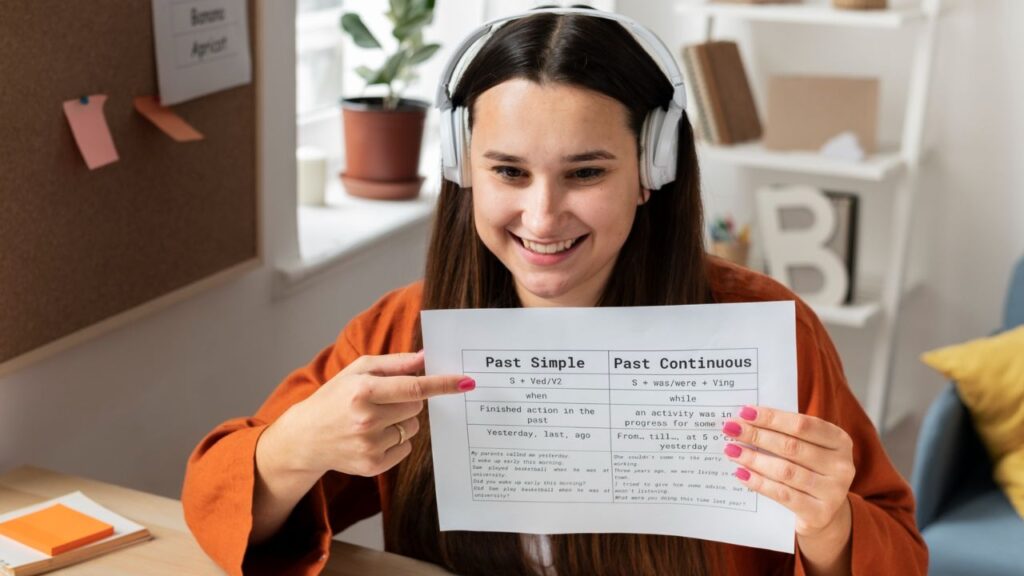
ALEI uses classroom technology to extend learning beyond physical walls. Lessons, resources, assessments, and feedback are all supported through digital platforms that help students stay organized and engaged.
This blended approach means students can:
- Review lessons after class
- Access materials anytime
- Submit work digitally
- Track progress in real time
Technology isn’t meant to replace instructors — it supports them, giving students multiple ways to absorb and practice content.
Core Online Learning Platforms Students Use

While tools may evolve, ALEI consistently relies on a centralized digital learning system that acts as the academic hub for students and instructors.
Common Platform Functions
| Tool Function | How Students Use It |
|---|---|
| Learning Management System (LMS) | Access lessons, assignments, and grades |
| Digital classrooms | Participate in online or hybrid sessions |
| Resource libraries | Download worksheets, readings, and audio |
| Assessment tools | Take quizzes and submit assignments |
| Instructor messaging | Ask questions and receive feedback |
These platforms are accessible via laptops, tablets, and smartphones, allowing students to stay connected whether they’re on campus or off.
Online Learning Tools for Language Development
Because ALEI focuses on English education, technology is tailored to language skills — not generic e-learning.
Skill-Specific Digital Support
- Listening platforms with native-speaker audio
- Pronunciation tools for stress, rhythm, and clarity
- Interactive grammar exercises with instant feedback
- Reading tools that track comprehension and speed
- Writing submission systems with instructor comments

These tools reinforce what’s taught in class and give students safe spaces to practice without pressure.
Language acquisition research widely supported by education frameworks referenced by https://www.ed.gov/ emphasizes repeated exposure and active engagement — both of which ALEI’s digital tools are designed to support.
Smart Classrooms: Technology Inside the Room
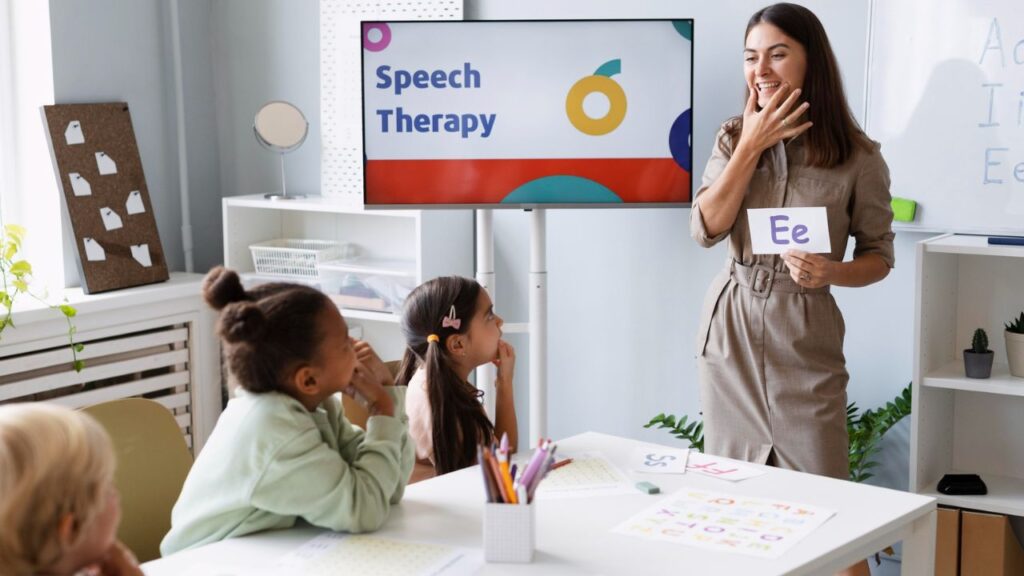
ALEI classrooms are equipped to support interactive teaching, not passive lectures.
Typical classroom technology may include:
- Digital projectors or smart displays
- Audio systems for listening practice
- Instructor-controlled lesson screens
- Student-accessible presentation tools
Teachers use these tools to:
- Display real-time examples
- Play authentic listening materials
- Annotate lessons live
- Encourage student participation
The focus remains on interaction — technology supports communication rather than replacing it.
Online Access to Assignments and Feedback
Gone are the days of lost papers and unclear comments.
Students typically receive:
- Digital assignment instructions
- Clear submission deadlines
- Written or recorded instructor feedback
- Grade updates through the student portal
This transparency helps students understand why they earned a grade, not just what the grade was.
It also creates a documented academic trail, which is important for progress reviews and advancement decisions.
Student Portals: One Place for Everything
The ALEI student portal acts as a central command center.
Through the portal, students usually can:
- View class schedules
- Check attendance records
- Access progress reports
- Receive official announcements
- Manage academic documents
This reduces confusion and ensures that students rely on official information, not word-of-mouth or group chats.
Support Resources Integrated Into Technology
ALEI doesn’t treat academic support as separate from learning platforms.
Many online systems link directly to:
- Writing Lab appointments
- Listening and pronunciation resources
- Conversation Club schedules
- Test preparation materials
This integration encourages students to seek help early, not only after grades slip.
Institutions increasingly adopt this model, aligning with best practices in student support referenced by public education and learning access standards at https://www.usa.gov/education.
Online and Hybrid Learning Options
When needed, ALEI’s technology allows for:
- Fully online classes
- Hybrid instruction
- Recorded lessons for review
These options are especially useful for:
- Students balancing work and study
- Short-term absences
- Revision and exam preparation
Even in traditional on-campus programs, online tools ensure learning doesn’t stop when a student misses a day.
Digital Literacy as a Learning Outcome
Using classroom technology isn’t just about convenience — it builds real-world skills.
Students develop:
- Online communication habits
- File submission and formatting skills
- Time management through digital deadlines
- Familiarity with platforms used in universities and workplaces
These skills transfer directly to higher education and professional environments.
What ALEI Classroom Technology Will Not Do
It’s important to set expectations.
Technology at ALEI will not:
- Replace attendance or participation
- Automatically fix weak performance
- Substitute effort or consistency
Tools are supports, not shortcuts. Students still need to engage, practice, and ask questions.
Common Student Concerns — Answered
Some students worry they’ll fall behind if they’re “not good with technology.” ALEI platforms are intentionally user-friendly, and instructors guide students early in the term.
Others assume online tools mean less interaction. In practice, many students participate more — especially in discussion boards and digital speaking tasks.
Tips to Make the Most of ALEI’s Learning Tools
Log in daily, even on non-class days.
Check announcements before asking classmates.
Use feedback features — don’t ignore comments.
Ask for help early if a platform feels confusing.
Technology works best when it’s part of a routine.
FAQs:
Do I need my own laptop to use ALEI’s online tools?
While helpful, many platforms are accessible via smartphones or shared campus devices.
Are online tools mandatory?
Yes. Most courses require regular use of ALEI’s learning platforms.
Can I access materials outside class hours?
Yes. Online resources are typically available 24/7.